Nomo
Calendar for Notion & Google Calendar
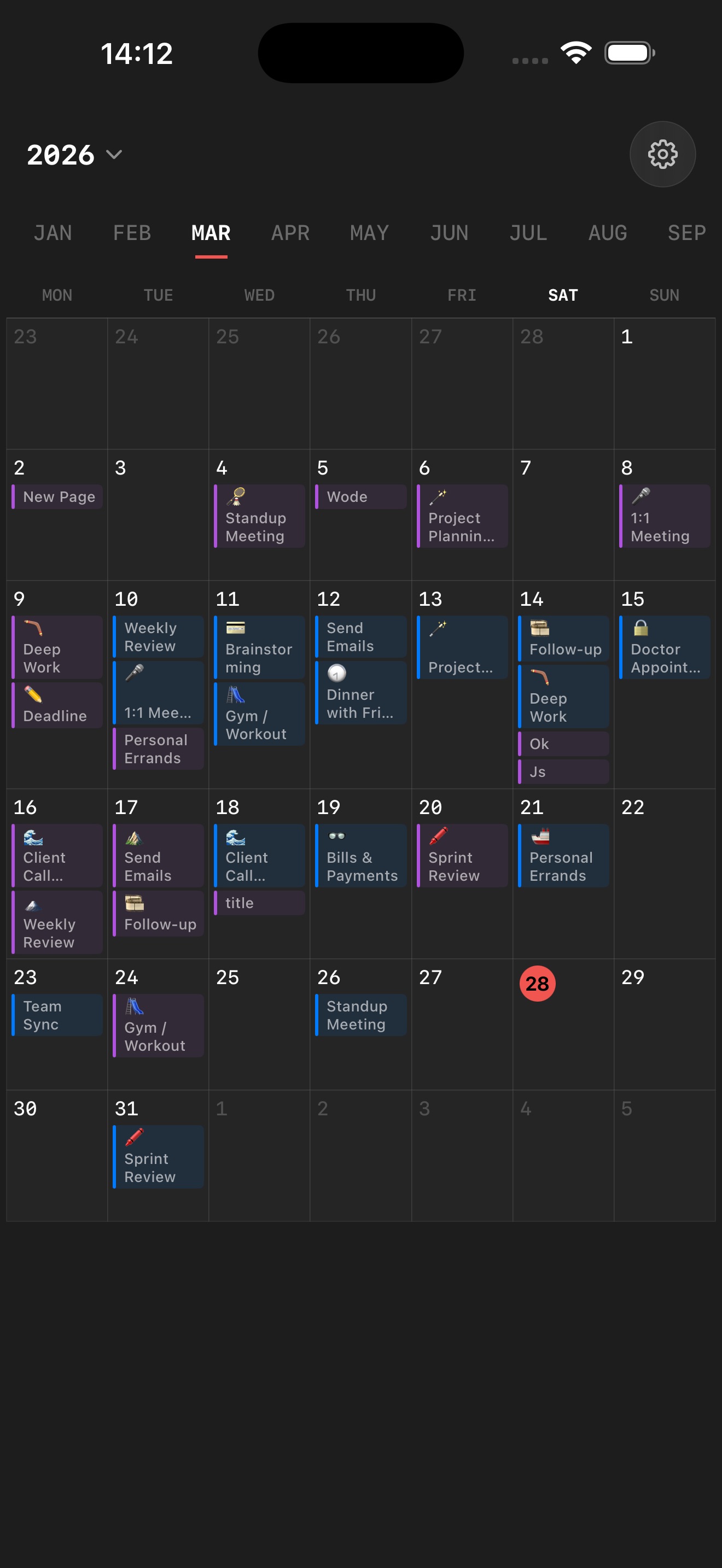
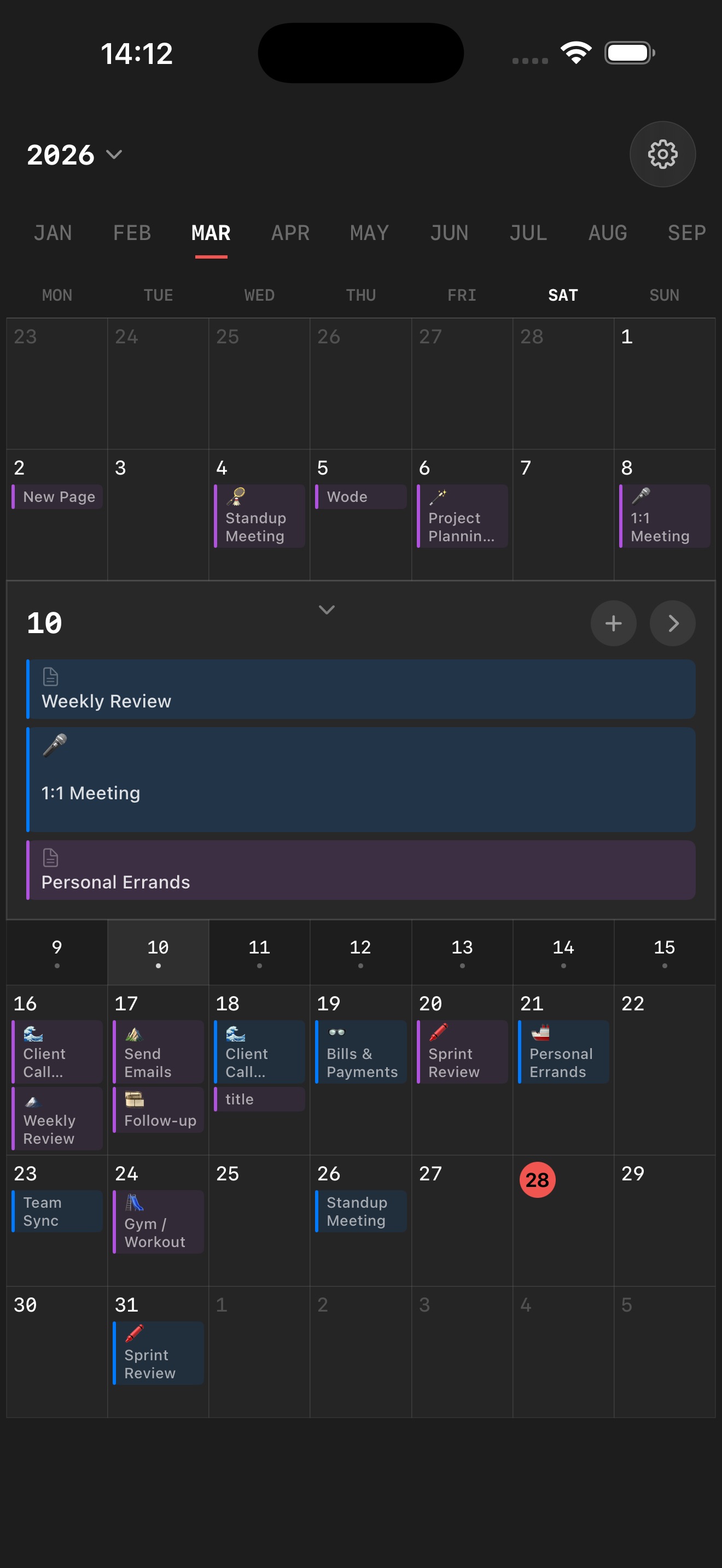
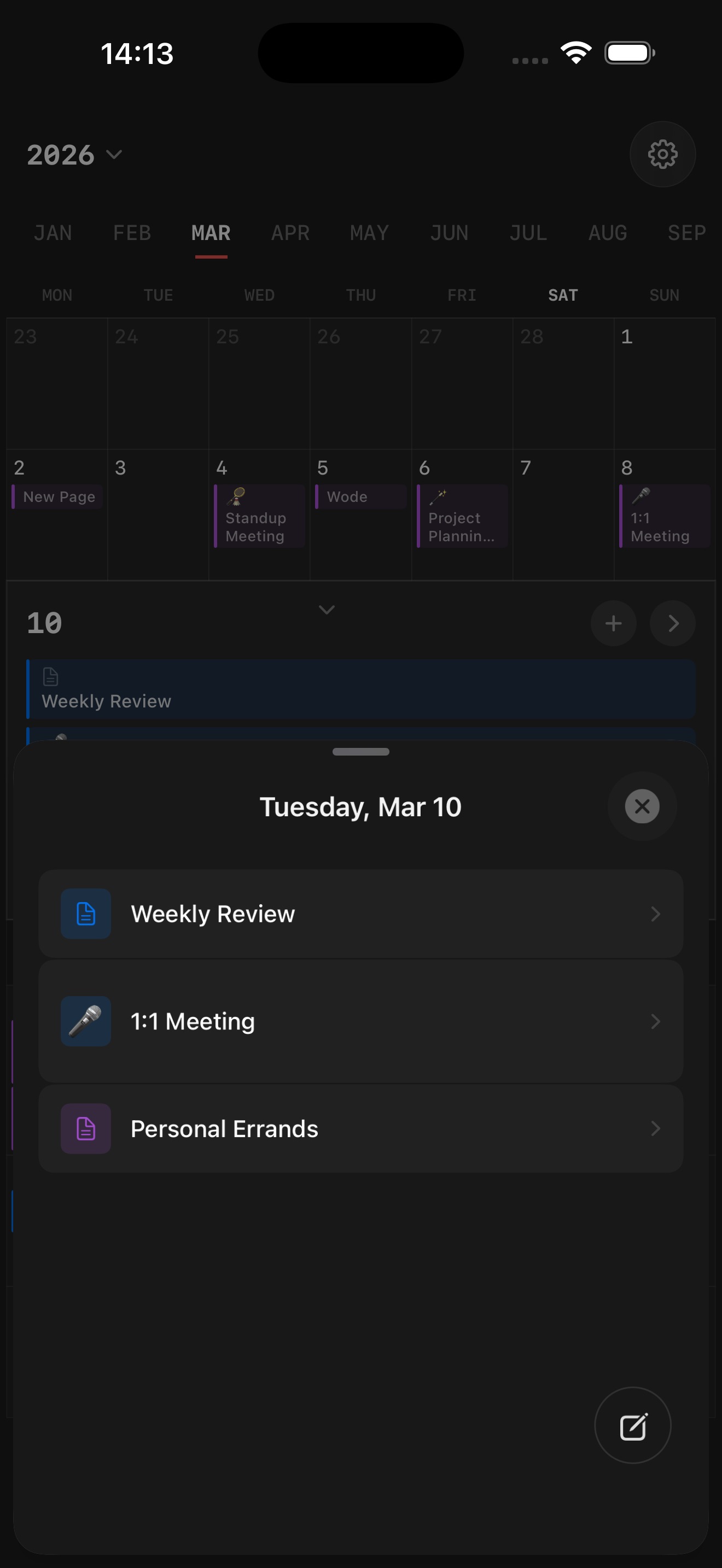
Nomo is a calendar app for iPhone. It puts your Notion databases, your Google Calendar and the calendars already on your iPhone (iCloud, Exchange and others) side by side in one clean day, week or month view. Tap a day to create an event, tap an event to edit it, or drag it to a new day or time — Nomo saves the change straight back to Notion or Google Calendar. Nomo has no account of its own and no server that stores your calendars: everything is fetched from the source and shown on your device.
How Nomo uses Google Calendar
Connecting Google is optional. When you connect a Google account in Nomo, Google asks you to allow the permissions below, and Nomo uses them only to show and edit your calendar on your iPhone:
- See the list of your calendars (calendar.calendarlist.readonly) — so you can choose which Google calendars appear in Nomo. Nomo never changes your calendar list.
- View and edit events (calendar.events) — so your events appear in the day, week and month views, and so events you create, edit, drag or delete in Nomo are saved to Google Calendar.
- Your email address — only to tell your Google accounts apart when you connect more than one.
- Your Google access token is stored in the iOS Keychain on your device. Calendar data goes directly between your iPhone and Google; it is never sent to or stored on a Nomo server, never shared or sold, and never used for advertising or to train or generate AI content.
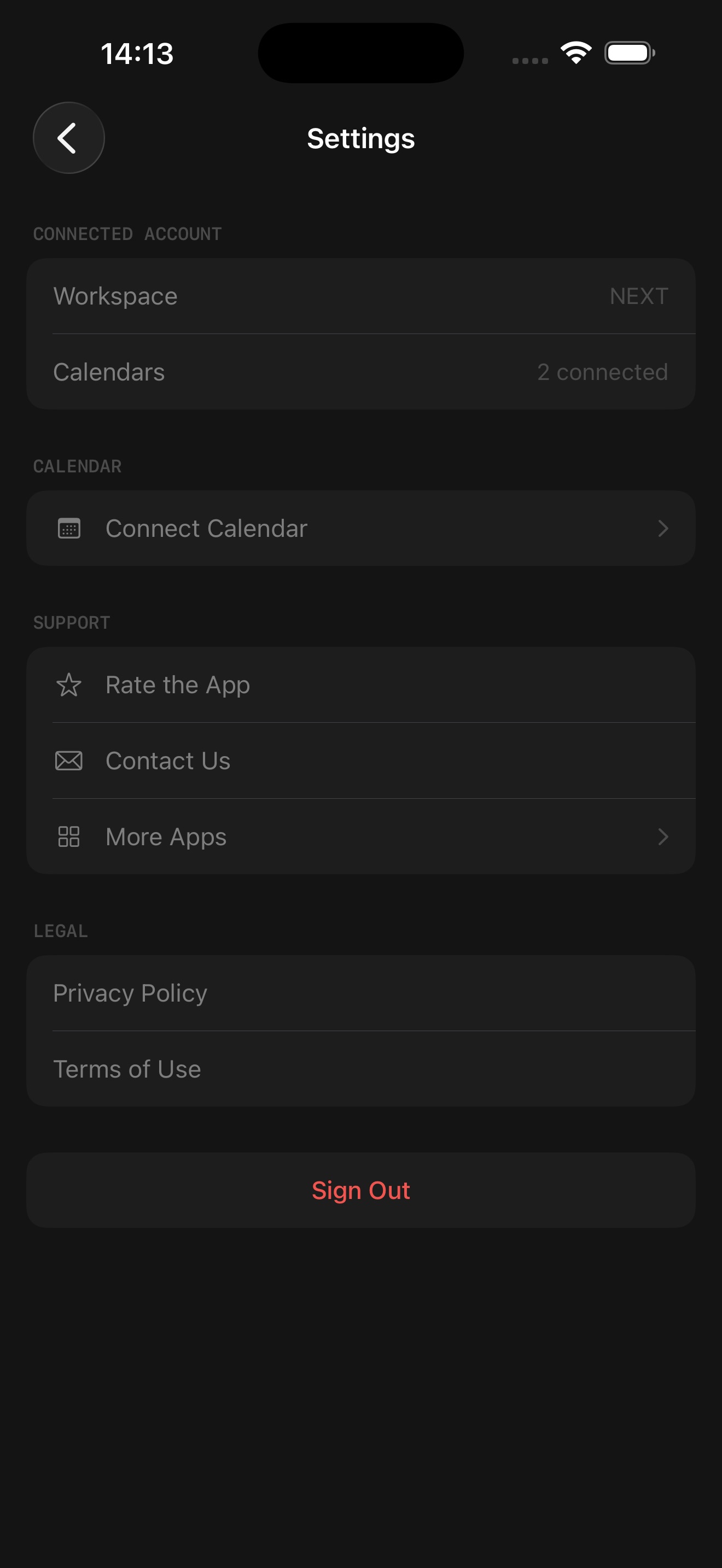
- You can disconnect at any time in Nomo’s Settings, or revoke access at myaccount.google.com/permissions.
Details are in the Nomo Privacy Policy.